Resetting your Apple ID password
iPad Air 2
Resetting your Apple ID password
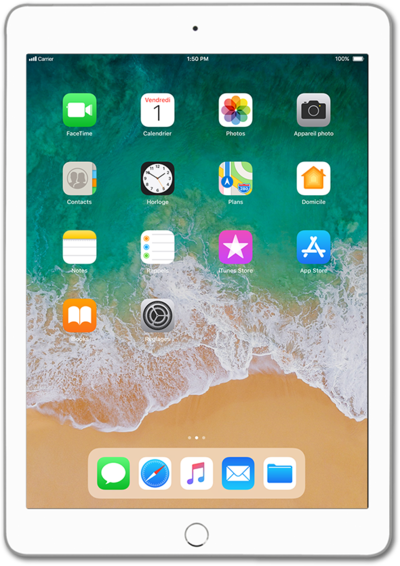
Follow along to learn how you can reset your password if you have forgotten it.
1.
From your Apple ID sign in screen, tap Don't have an Apple ID or forgot it?.
2.
Tap Forgot Apple ID?.
3.
Enter your Apple ID.
You may be asked to enter the trusted phone number associated with your Apple ID.
4.
Tap Next.
If you've activated two-factor authentication, you may be prompted to enter your trusted phone numer.
5.
Enter your new password.
6.
Tap the return key.
7.
Confirm your new password.
8.
Tap Next.
9.
Tap Done.
10.
You've completed the steps!
