Changing account settings
iPad Air 2
Changing account settings
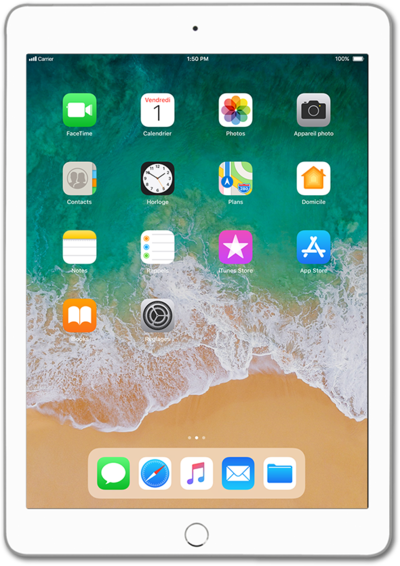
When you set up an email account on your device, it may also sync your contacts or your calendar to your device. You can change those settings to only sync the data from the account that you want on the device.
1.
From the Home screen, tap Settings.
2.
Scroll to Mail.
3.
Tap Mail.
4.
Tap Accounts.
5.
Select an account.
6.
Select your preferences.
7.
You've completed the steps!
