Turning Wi-Fi Calling on
Pixel 8 Pro
Turning Wi-Fi Calling on
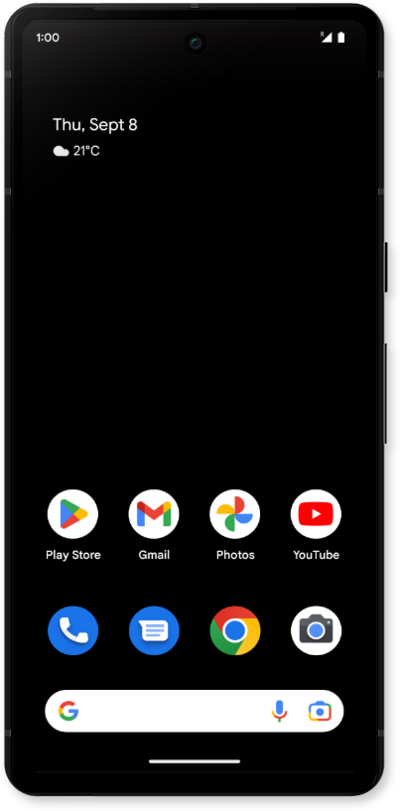
When Wi-Fi calling is on, your device can make and receive calls via Wi-Fi networks. Your device will choose to make calls via Wi-Fi or over a cellular network based on which signal is stronger at the time.
1.
From Settings, tap Network & internet.
2.
Tap Calls & SMS.
3.
Select your carrier under Wi-Fi Calling.
4.
Tap or slide the Wi-Fi Calling switch to On.
5.
You've completed the steps!
