Syncing account contacts
Syncing account contacts
Some accounts that you have on your device will allow you to sync contacts from the email address to your device.
1.
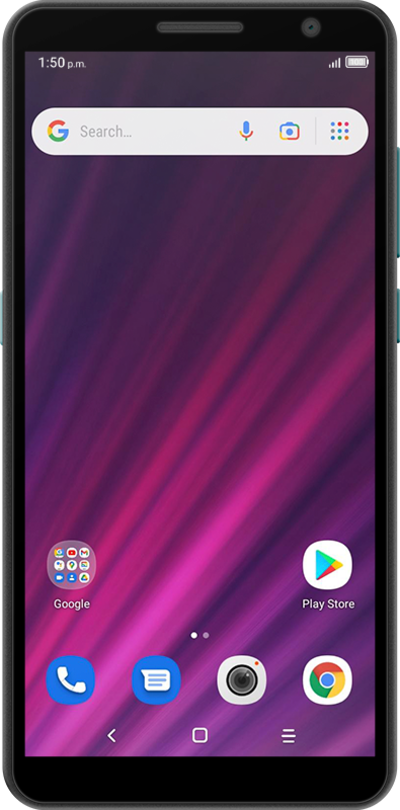
From the Home screen, swipe up to access your Apps.
2.
Swipe to Settings.
3.
Tap the Settings icon.
4.
Scoll to Accounts.
5.
Tap Accounts.
6.
Select an account.
7.
Tap Account sync.
8.
Tap or slide the Contacts switch to ON.
9.
You've completed the steps!
