Restarting your device
Pixel 8 Pro
Restarting your device
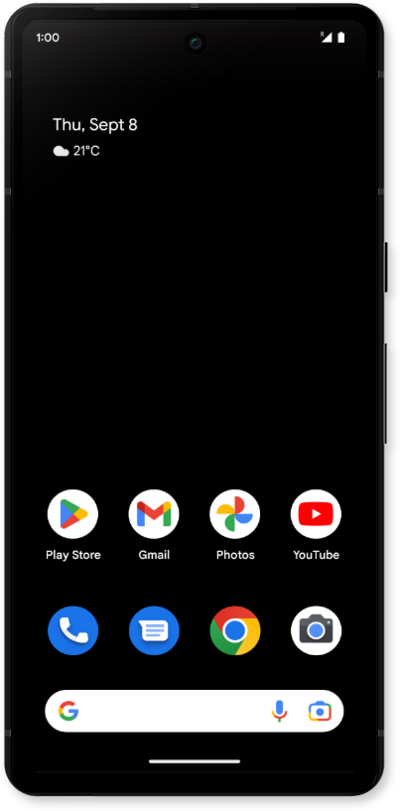
Restarting your device is often one of the first steps when troubleshooting a device issue.
1.
Simultaneously press and release the Power and Volume up buttons.
2.
Tap Restart.
3.
You've completed the steps!
