Forwarding an email
Galaxy A13 5G
Forwarding an email
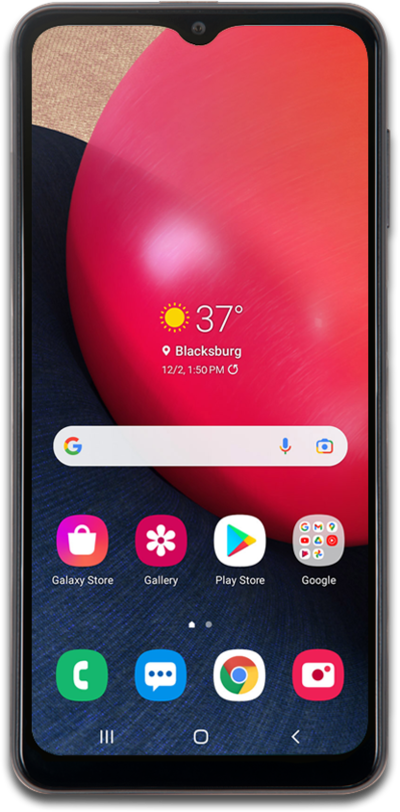
Using an email address that has been set up on your device, you can forward emails to others from your device.
1.
From a received email, tap the Menu icon .
2.
Tap Forward.
3.
Enter a contact's name or email address.
4.
Select a contact.
5.
When you're finished, tap the Send icon.
6.
You've completed the steps!
