Samsung Galaxy A13 5G Device Help & How-To Guides
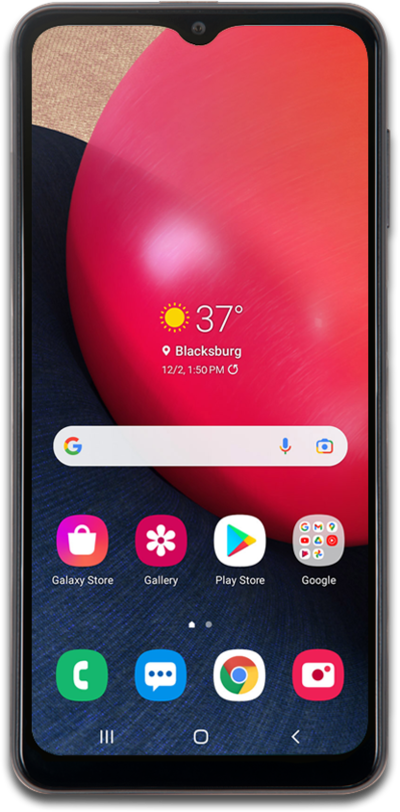
What would you like to learn about your device?
Trending Galaxy A13 5G topics
Setting up mobile hotspot
Set up your device as a Mobile Hotspot so you can share your data connection with other devices. Your device will create a Wi-Fi hotspot with its data connection. Other devices will be able to connect to the Wi-Fi hotspot.
ExploreConnecting to a Wi-Fi network
Stay connected. Follow this guide to scan for available networks and securely join your home Wi-Fi.
ExploreResetting network settings
If you are having trouble connecting to the Internet you may need to reset your network connections. Resetting your network connections will disconnect any Bluetooth devices connected to your device and disconnect your device from any Wi-Fi networks it is connected to.
ExploreSetting up Voicemail
Learn how to set up Voicemail so that you can store messages from calls you missed. If your Voicemail Icon does not appear try restarting your phone.
Explore