Sending a text to a group
Flip
Sending a text to a group
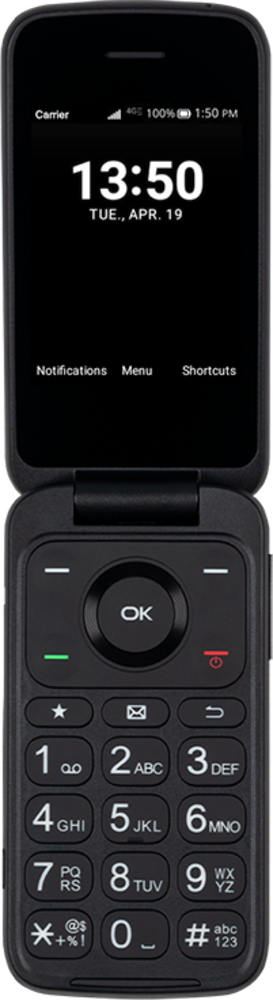
Learn how you can send a text message or multimedia message to a multiple contacts at once. You can attached a picture, video, or other media file to a text message.
1.
From the Messaging app main screen, press the Left option button.
2.
Enter the name of a contact.
3.
Navigate to the contact.
4.
Press the OK button.
5.
Enter the name of another contact.
6.
Navigate to the contact.
7.
Press the OK button.
Repeat steps 5 through 7 to add more recipients to the group text message.
8.
Navigate to the Type message field.
9.
Enter your message.
10.
When you're finished, press the OK button to send the message.
11.
You've completed the steps!
