Deleting a Text
Flip
Deleting a Text
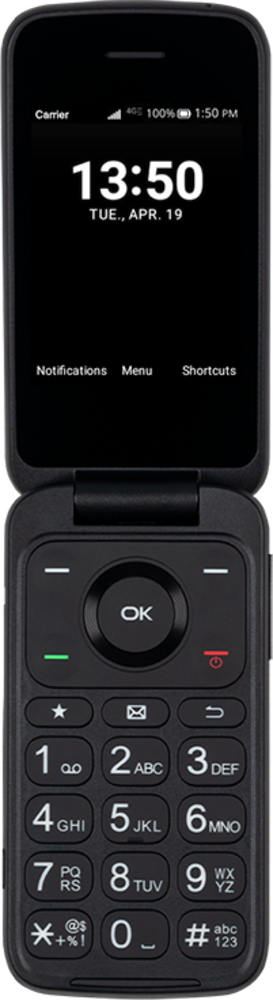
Learn how to remove a text from your device. Removing a text message from your device will not remove it from the device of your correspondents.
1.
From the Messaging app main screen, navigate to the message you'd like to delete.
2.
Press the Right button.
3.
Press the OK button.
4.
Press the Right button.
5.
You've completed the steps!
