Using web browser windows
Flip 2
Using web browser windows
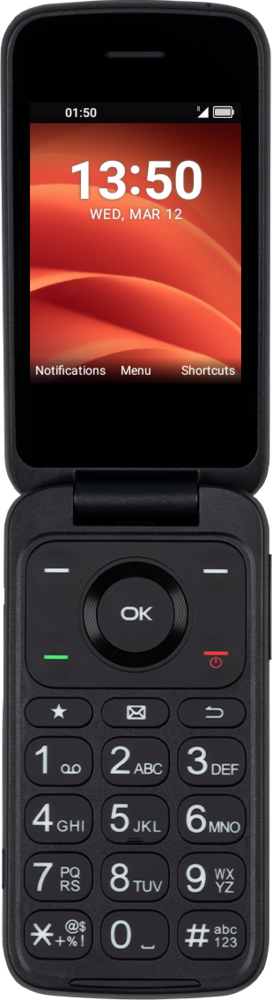
You can switch between multiple tabs inside your web browsing app. This allows you to keep several websites open at once to quickly switch between.
1.
From the Browser app, press the Left button.
2.
Press the Left button again.
3.
Press the Left button again.
4.
Navigate to a different tab.
5.
Press the OK button.
6.
To close a tab, press the Left button.
7.
Press the Right button.
8.
Press the OK button.
9.
You've completed the steps!
