Changing your Tap duration
Moto G Stylus 5g (2023)
Changing your Tap duration
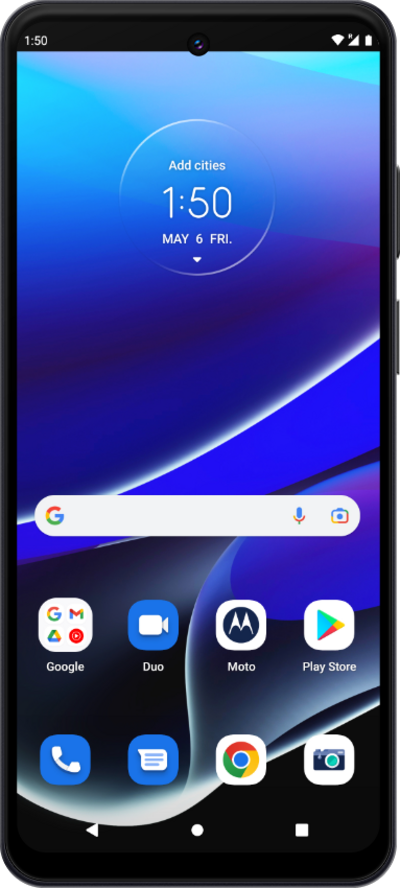
You can adjust how long you need to press on your device in order for it to register as a "tap."
1.
From the Settings app, scroll to Accessibility.
2.
Tap Accessibility.
3.
Scroll to Timing controls.
4.
Tap Timing controls.
5.
Tap Touch & hold delay.
6.
Select your preferred touch & hold delay.
7.
You've completed the steps!
