Turning off animations on your device
Moto G Stylus 5g (2023)
Turning off animations on your device
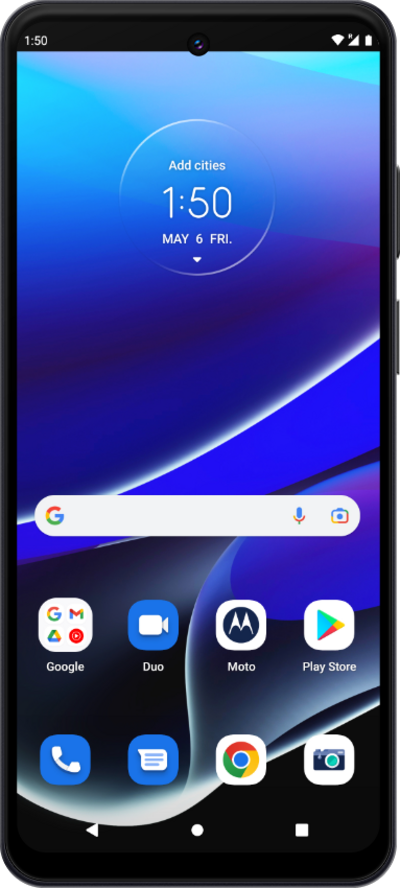
You can turn off all on-screen animations on your device to help address any viewing issues you may be experiencing.
1.
From the Settings app, scroll to Accessibility.
2.
Tap Accessibility.
3.
Tap Color and motion.
4.
Tap or slide the Remove animations switch to ON.
5.
You've completed the steps!
