Turning on Universal switch
Galaxy Tab A7 Lite
Turning on Universal switch
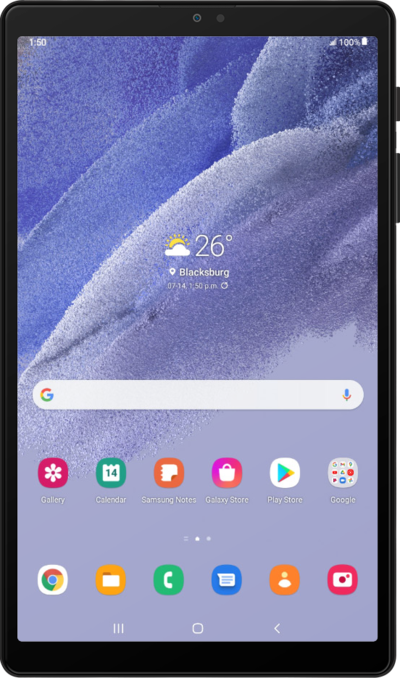
The Universal Switch feature allows you to control your device using an external switch, head movements, or face gestures.
1.
From Accessibility, tap Interaction and dexterity.
2.
Tap Universal switch.
3.
Tap Next.
4.
Tap Next.
5.
Tap Next.
6.
Tap Done.
7.
Tap or slide the Universal switch toggle switch to ON.
8.
Tap Add switch.
9.
Select your preferred method.
You have the option to connect an accessory or use your front camera. For this tutorial, we will be adding a switch using the front camera.
10.
Select your preferred switch.
11.
Select your preferred switch action.
12.
Tap or slide the Universal switch toggle switch to ON.
13.
Tap Allow.
14.
Tap Turn off.
From here, use your universal switch to tap OK.
15.
You've completed the steps!
