Accessing mobile network settings
Pixel Fold
Accessing mobile network settings
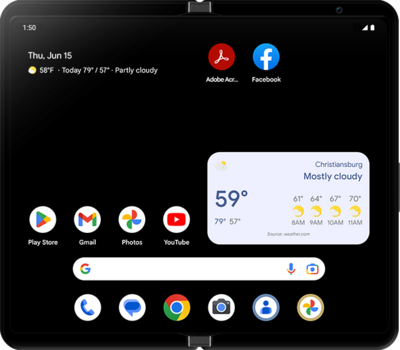
When traveling internationally, your device settings may require an update to conserve data and minimize unwanted fees. Learn how to change roaming settings on your device ahead of your next international trip, including how to enable and disable roaming. Also learn how to view the status of your Wi-Fi Pod's Internet connection.
1.
From within the Settings app, tap SIMs under Network & internet.
2.
Scroll to see more options.
3.
Tap Choose network.
4.
Select your preferred network type.
Depending on the age of your device, your available options may vary.
5.
You've completed the steps!
