Removing a device from your Apple ID
iPhone XS
Removing a device from your Apple ID
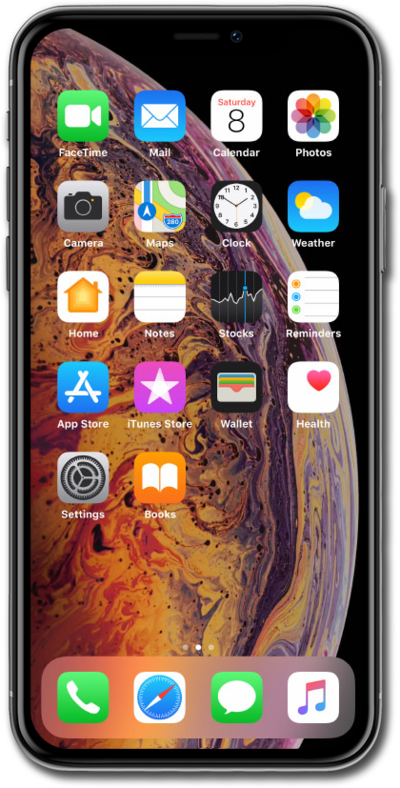
Learn how to remove a device from your Apple ID. This will delete your personal data on the device.
1.
From the Home screen, tap Settings.
2.
Select your profile.
3.
Select a device.
4.
Tap Remove from Account.
5.
Tap Remove.
6.
You've completed the steps!
