Using the side button
Watch Series 4
Using the side button
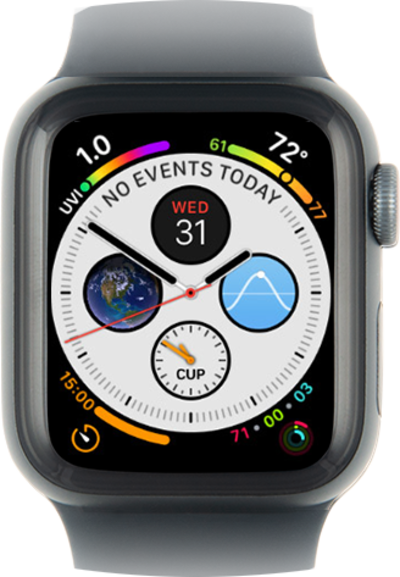
The buttons on your watch have many different functions, including viewing your recent apps, making a contactless payment, and powering the watch off. The crown lets you scroll through lists and return to the watch face.
1.
Press the Side button to view the control panel.
2.
Double-click the Side button to use Apple Pay.
3.
Press and hold the Side button to access power options.
4.
Press the Side button to return to the watch face.
From this screen, you can power off your Watch, view your Medical ID or use Emergency SOS.
5.
You've completed the steps!
