Using Shortcuts to Unlock the Screen
Pixel 4a 5G
Using Shortcuts to Unlock the Screen
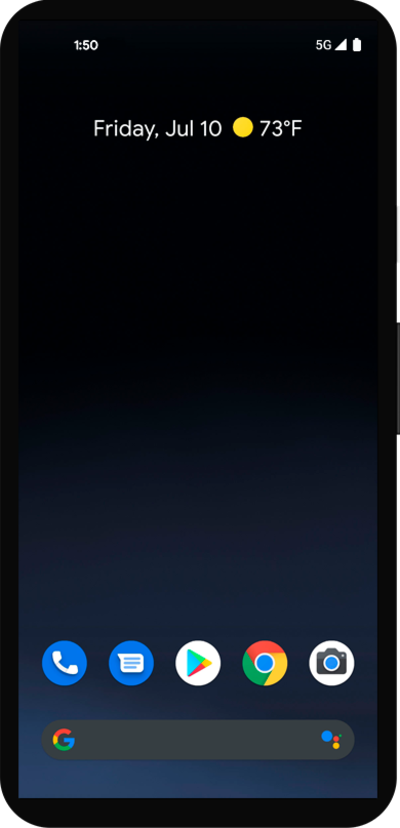
Some apps can be accessed quickly from your lock screen. You can change the apps that appear on the lock screen for quick access.
1.
From the lock screen, touch and hold the shortcut you'd like to use.
Enter your PIN if prompted.
2.
You've completed the steps!
