Setting up your second cellular plan with eSIM
Pixel 4 XL
Setting up your second cellular plan with eSIM
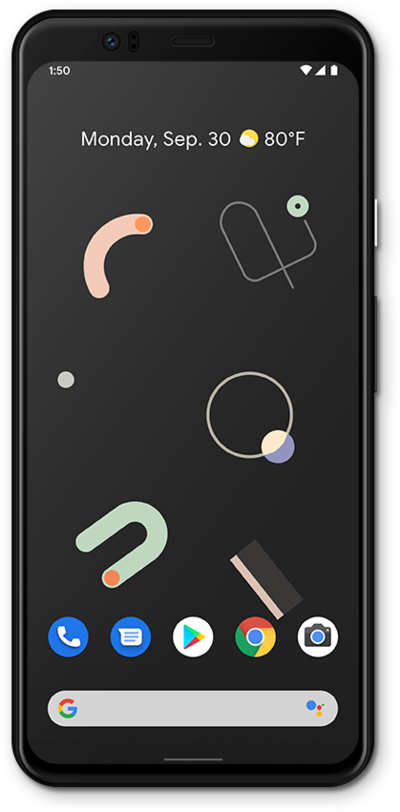
Adding a secondary eSIM alongside a physical SIM or eSIM allows you to quickly switch between two cellular plans and/or carriers for voice or data.
1.
From within the Settings app, tap Network and Internet.
2.
Tap the Plus Icon.
3.
Tap Download a SIM instead?
You may see a slightly different screen if your phone is already using an eSIM.
4.
Tap Next.
5.
Place the QR code provided by your carrier within the camera frame.
6.
Tap Download.
7.
Tap Settings.
8.
Select the SIM you would like to use for your mobile data.
9.
Tap Use SIM.
10.
Tap Yes.
11.
You've completed the steps!
