Managing cellular settings between different SIMs
Pixel 4 XL
Managing cellular settings between different SIMs
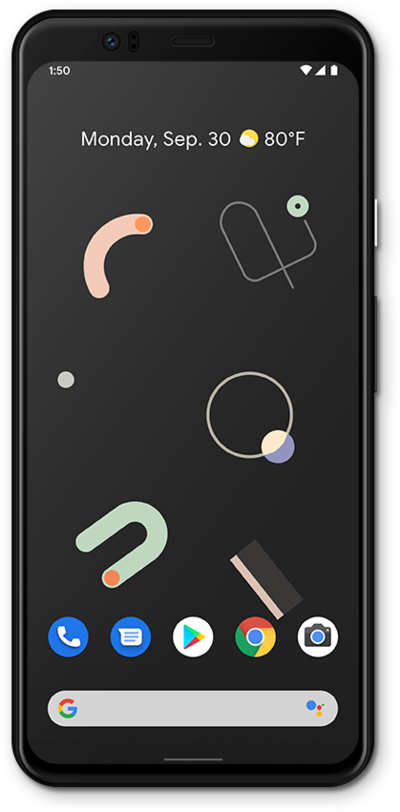
When you’re combining a physical sim and an eSIM or two eSIMs, you can customize each number’s cellular settings individually.
1.
From the Settings app, tap Network & internet.
2.
Tap SIMs.
3.
Select the carrier or SIM card you'd like to manage.
The labels you've chosen may differ from this tutorial, but the same steps should still apply.
4.
Scroll to a settings category.
5.
Select your preferences.
If necessary, tap Use to turn on a preference.
6.
You've completed the steps!
