Customizing your Sleep mode
Galaxy A13
Customizing your Sleep mode
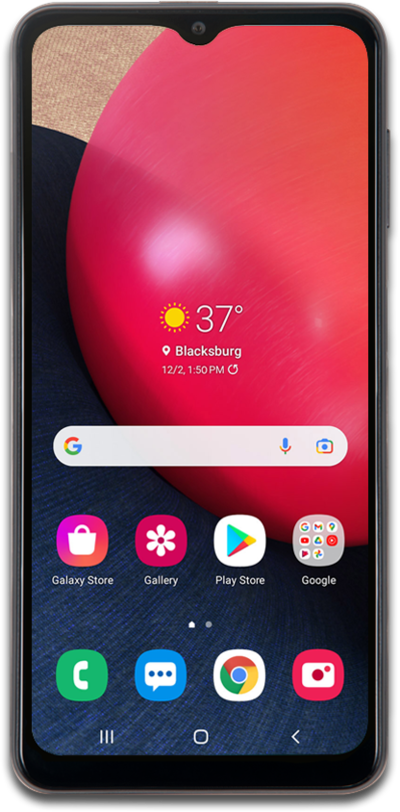
Learn how to limit notifications, change your phone's appearance, and prevent yourself from launching addictive apps when you're trying to get ready for bed.
1.
From the Settings app, tap Modes and Routines.
2.
Tap Sleep.
3.
Tap OK.
4.
Tap Start.
5.
Enter your preferred sleep and wake-up times.
6.
Tap Next.
7.
Tap Do not disturb.
8.
Tap Done.
9.
Tap Next.
10.
Tap Done.
11.
You've completed the steps!
