Accessing Quick actions for Apps using Finder
Galaxy A13
Accessing Quick actions for Apps using Finder
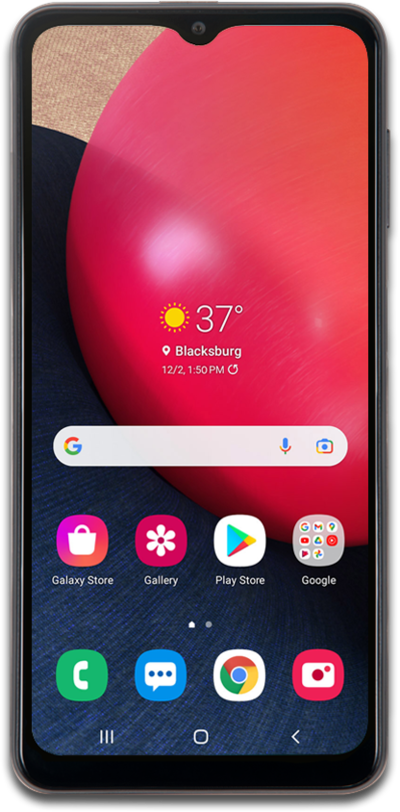
Learn to use the search function on your phone. You can use your phone to search contacts, apps, the web, and more.
1.
From Home, swipe up to access the Apps screen.
2.
Tap the Search bar.
3.
Enter the name of an app on your device to see quick actions for it.
For this tutorial, we're using Finder to quickly add a Calendar event. You can also find Settings options, Widgets, or search for songs and videos directly from your media apps.
4.
Select a result.
5.
You've completed the steps!
