Managing your storage space on your phone
Galaxy A13
Managing your storage space on your phone
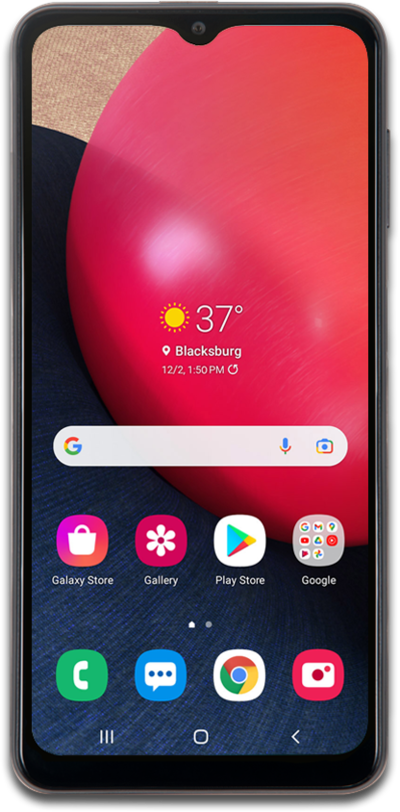
Manage your storage space on your device across applications.
1.
From Settings, scroll to Device care.
2.
Tap Device care.
3.
Tap Storage.
From this screen, you can view how much of your device's space is allocated to different file types, as well as receive personalized recommendations for managing your storage.
4.
Tap Trash.
Your apps' recently deleted files will be shown here, and can be deleted individually to free up space.
5.
You've completed the steps!
