Adjusting your Smart suggestions widget setting preferences
Galaxy Tab S7 FE 5G
Adjusting your Smart suggestions widget setting preferences
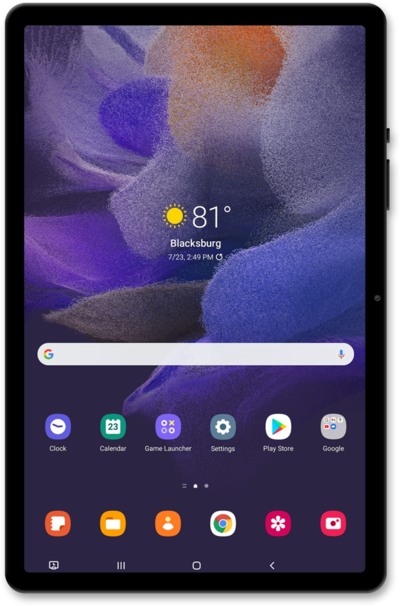
Adjust certain Smart suggestion widget settings such as transparency, color, etc.
1.
From the Home screen, touch and hold an empty space.
2.
Tap Widgets.
3.
Tap Smart suggestions.
4.
Select your preferred widget size.
5.
Tap Add.
6.
Touch and hold the Smart suggestions widget.
7.
Tap Settings.
From this screen you can adjust the background color and other settings.
8.
Select your preferences.
9.
Tap Save.
10.
You've completed the steps!
