Calling a New Number
Nord N30 5G
Calling a New Number
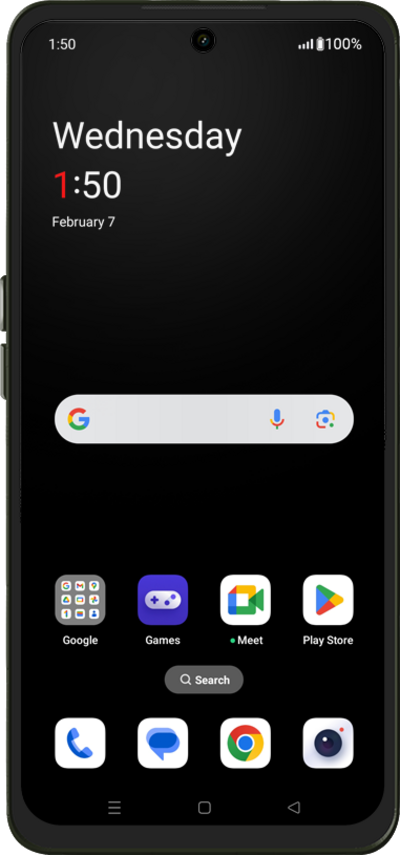
Using the dial pad in your device's phone app, you can call a new phone number that is not associated with a contact.
1.
From the Home screen, tap the Phone icon.
2.
Using the keypad, enter the phone number you'd like to call.
If necessary, tap the Keypad icon to open your keypad.
3.
Tap the Call icon.
4.
You've completed the steps!
