Importing and Exporting Contacts
Nord N30 5G
Importing and Exporting Contacts
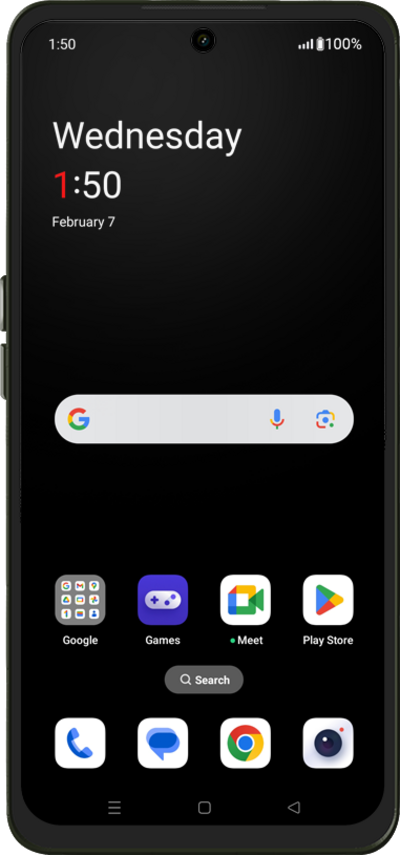
Import your contacts from a vcf file or from your SIM card. A vcf file can be exported from your old device and imported to your new device.
1.
From within the Contacts app main screen, tap Fix & manage.
2.
Tap Import from file.
3.
Select your import source preference.
4.
You've completed the steps!
