Switching your phone to Dark mode
Switching your phone to Dark mode
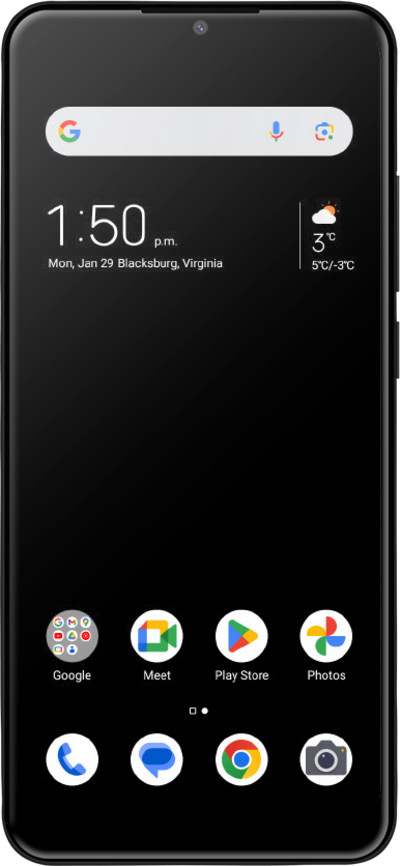
Changing the theme of your device will adjust the look of your whole device, not just the home screen wallpaper. Themes can change the wallpaper, text size, and more.
1.
From the Home screen, drag down the Notification Panel.
2.
Tap the Settings icon.
3.
Tap Display.
4.
Tap Dark mode.
5.
Tap Turn on now.
6.
You've completed the steps!
