Adding apps and widgets to the Home screen
Adding apps and widgets to the Home screen
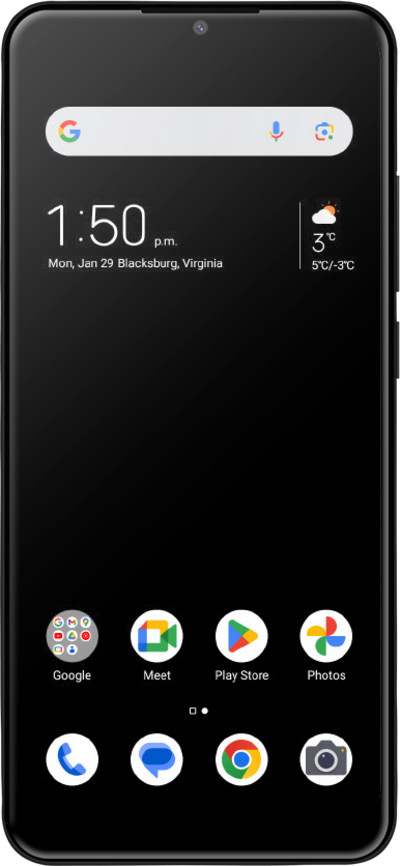
Widgets allow you to do things such as preview upcoming events, see recent emails, and get quick access to your favorite contacts. Widgets are also known as modules and help you keep important information at the tips of your fingers.
1.
From the Home screen, touch and hold an empty space.
2.
Tap Widget.
For this tutorial, we're adding a widget to the Home screen. You can also add an app by touching and holding an app in the Apps menu.
3.
Scroll to the widget you'd like to use.
4.
Touch and hold the widget to move it to your desired location.
5.
Tap outside of the widget to save your changes.
6.
You've completed the steps!
