Checking for and installing software updates
Pixel 10 Pro
Checking for and installing software updates
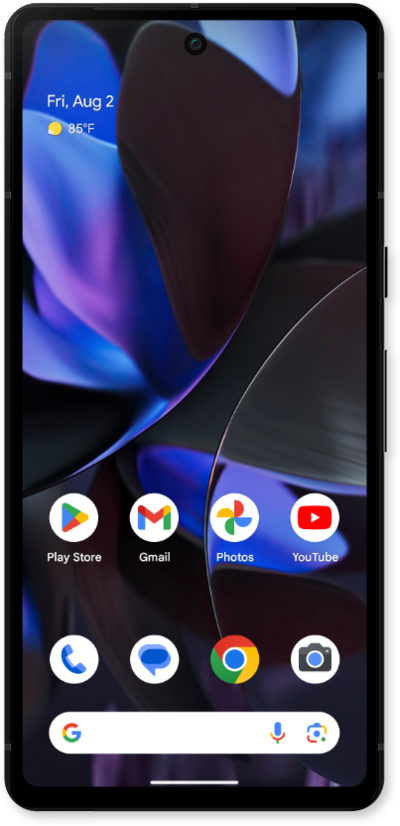
Software updates help ensure that your device is well maintained and is working as it should be. Checking for and installing software updates is a great troubleshooting step to check off your list as there may have been an update that helped resolve the issue you’re experiencing.
1.
From the Settings app, scroll to and tap System.
2.
Tap System update.
3.
Tap Check for update.
If prompted, tap Download and install to begin your update.
4.
You've completed the steps!
