Calling a new number
Moto G 5G (2023)
Calling a new number
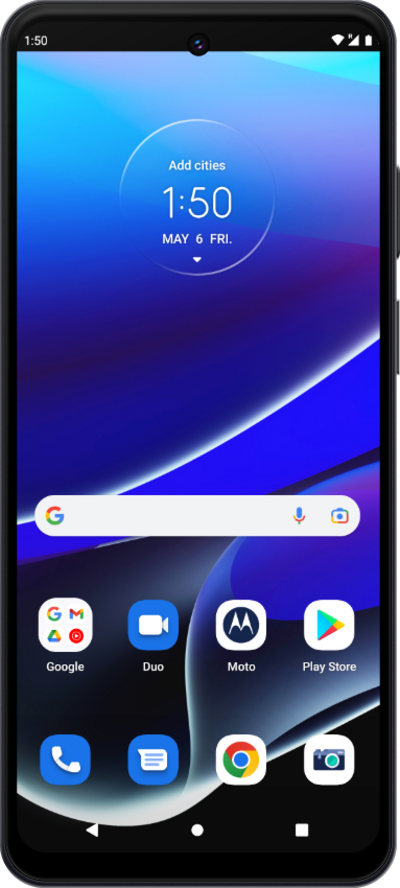
Using the dial pad in your device's phone app, you can call a new phone number that is not associated with a contact.
1.
From the Phone app, tap the Keypad icon.
2.
Using the keypad, enter a phone number.
3.
Tap the Call icon.
4.
You've completed the steps!
