Adjusting vibration settings
50 XE NXTPAPER 5G
Adjusting vibration settings
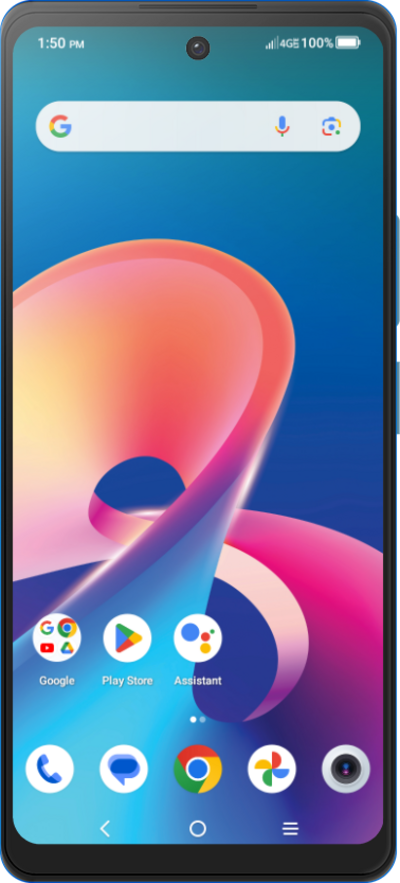
You can personalize the haptic feedback on your device when you receive a phone call, email, text message, whenever you type on the keyboard, or select certain options. You can enable or disable haptic feedback.
1.
From the Settings app, scroll to Sound & vibration.
2.
Tap Sound & vibration.
3.
Scroll to Vibration and haptics.
4.
Tap Vibration and haptics.
5.
Tap or slide the Ring v****ibration switch to on.
6.
You've completed the steps!
