Calling your voicemail inbox
Galaxy A32 5G
Calling your voicemail inbox
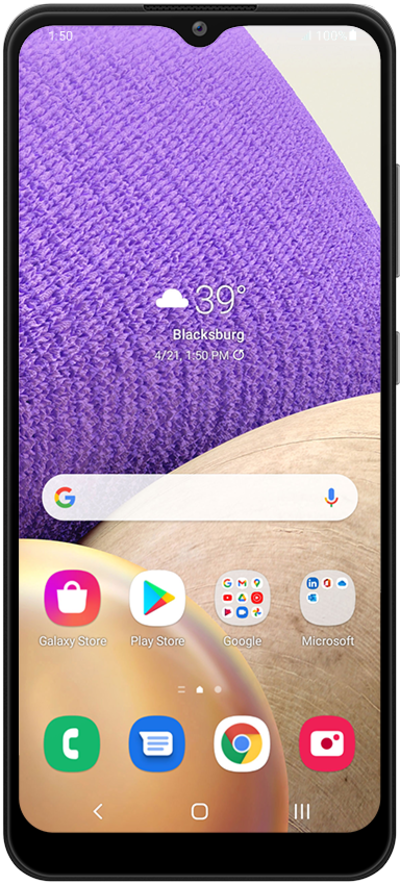
Follow along to learn how to easily call your voicemail inbox and listen to your messages.
1.
From the Phone app, hold down number 1 on the keypad to call your voicemail inbox.
You can also enter and call your voicemail number or your own mobile number to reach your inbox.
2.
Follow along with the menu options to listen to your message or change your personal options.
If you haven't set up your voicemail inbox yet, you may prompted to do so now. Carefully listen and follow along with the call to successfully set up your voicemail.
3.
You've completed the steps!
