Changing your voicemail PIN (or password)
Moto G Stylus 5g (2023)
Changing your voicemail PIN (or password)
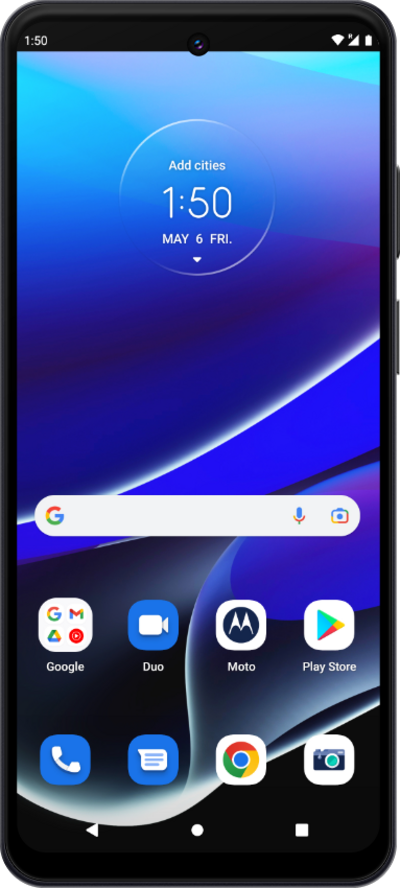
Learn how to update your voicemail security. Whether you’ve forgotten your current credentials or simply want to refresh your security, this guide walks you through the steps to reset your PIN (or password).
1.
From the Phone app, tap the Menu icon.
2.
Tap Settings.
3.
Tap Voicemail.
4.
Tap Change PIN.
5.
Enter your old voicemail pin.
6.
Tap Continue.
7.
Enter your new voicemail pin.
8.
Tap Continue.
9.
Enter your new voicemail pin again.
10.
Tap Ok.
11.
You've completed the steps!
