Saving storage by offloading unused apps
iPhone XS
Saving storage by offloading unused apps
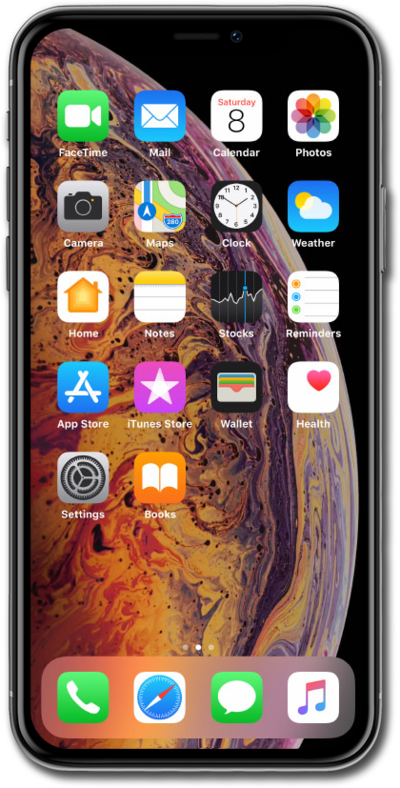
Enabling the Offload Unused Apps feature on your iPhone will automatically uninstall apps that are rarely used. This will help free up storage space on your device.
1.
From the Settings app, tap General.
2.
Tap iPhone Storage.
3.
Tap Enable next to Offload Unused Apps.
This will automatically offload unused apps from iPhone when you're low on storage.
4.
You've completed the steps!
