Customizing your app’s colors and sizes
iPhone XR
Customizing your app’s colors and sizes
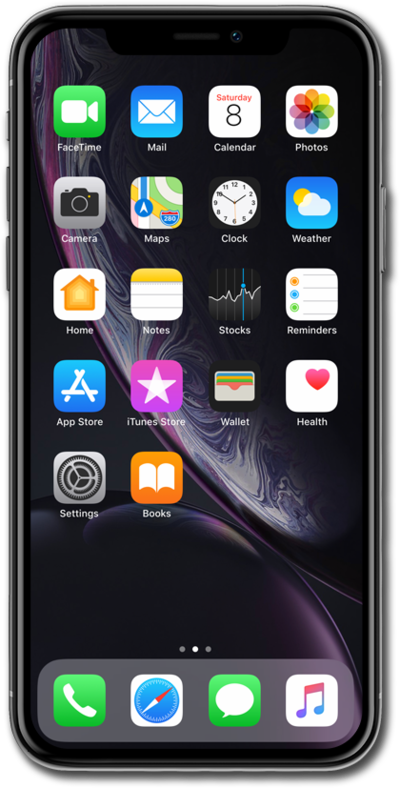
Personalize your apps in a variety of different ways. You can change their sizing, color, and tint. You can also move them to where you prefer on your home screen.
1.
From the Home Screen, touch and hold on the screen.
2.
Tap and hold an app to move it to the position you would prefer.
3.
To customize the apps on your Home screen, tap Edit.
4.
Tap Customize.
5.
Tap Large to change icon size of apps.
6.
Tap Tinted.
Here you can customize the tint of your apps and widgets.
7.
You've completed the steps!
