Turning the flash on and off
XP Pro 5G
Turning the flash on and off
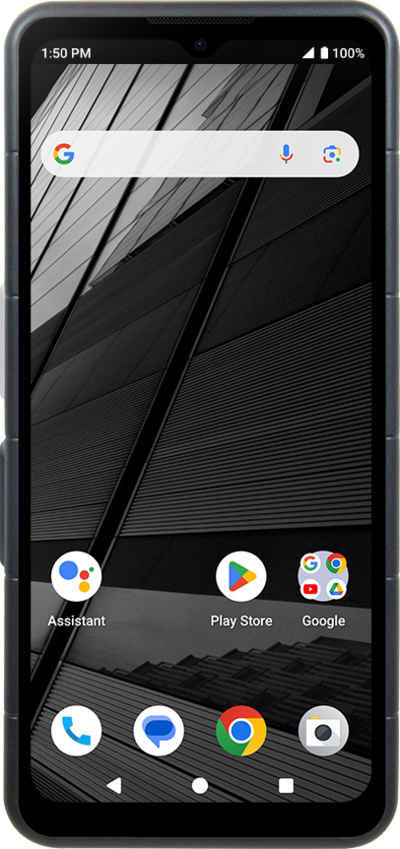
You can update the preferences for your device's flash while taking a picture. The flash can provide light to a low light picture to make the subject more visible. You may want to turn off flash if you are in an area that prohibits the use of flash. Make sure HDR mode is set to auto or turned off to use flash.
1.
From within the Camera app, tap the Flash icon to change the flash setting.
Continue tapping the Flash to choose between the different flash settings.
2.
Tap the Shutter icon to take a picture.
3.
You've completed the steps!
