Adjusting your Allowed network preferences for your Apps
Galaxy S21 FE 5G
Adjusting your Allowed network preferences for your Apps
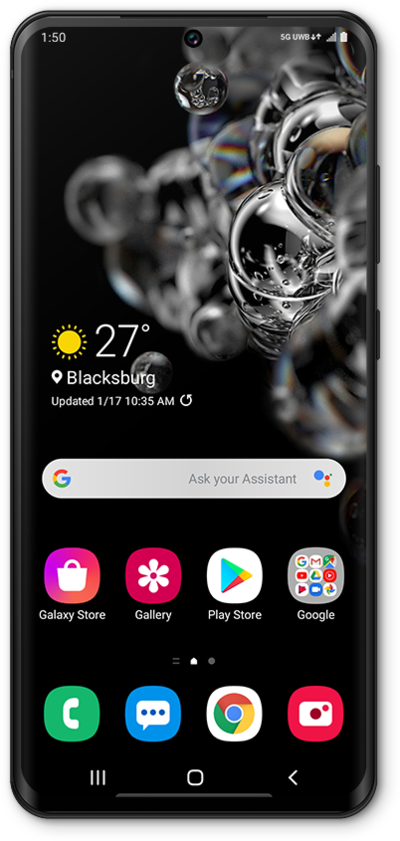
Select an allowed network for each of your individual apps.
1.
From the Settings app, tap Connections.
2.
Tap Data usage.
3.
Tap Allowed networks for apps.
4.
Select an app.
5.
Select the network type you would prefer the selected app to use.
6.
You've completed the steps!
