Partial screen recording individual apps
Galaxy S21 FE 5G
Partial screen recording individual apps
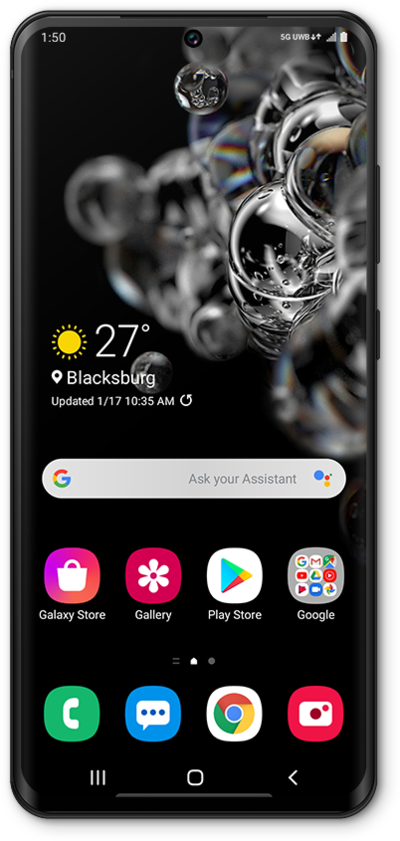
Learn how to partially screen record individually selected apps.
1.
Swipe down from the top right of the screen to open the quick settings menu.
2.
Navigate to and tap Screen recorder.
3.
Select a Record sound option.
For this tutorial we will be recording Media.
4.
Tap Start recording.
5.
Swipe down from the top left of the screen to open the notifications panel.
6.
Tap the Stop icon to end the recording.
The recording will be saved in the Files app.
7.
You've completed the steps!
