Managing data usage
Managing data usage
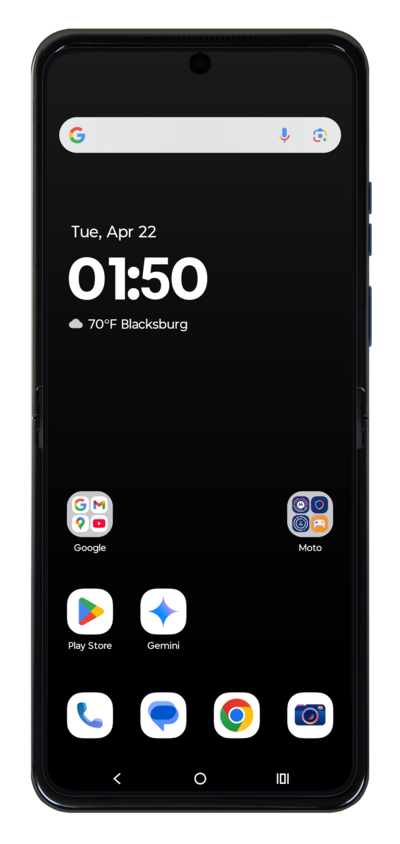
From the Settings app, tap Network & Internet.
Tap Mobile data.
Tap Data warning and limit.
From this screen, you can limit your data usage and set up alerts for when you're reaching your data usage limits for the current month.
Tap or slide the Alert me switch to ON.
You can also turn off mobile data when you're in areas where you don't want to use any data.
Tap Data warning.
Tap the Set data usage warning field.
Enter your preferred data usage warning.
Tap Set.
Tap or slide the Limit switch to ON.
Tap OK.
Tap Data limit.
Tap the Set data usage limit field.
Enter your preferred data usage limit.
Tap Set.
Tap Mobile data usage cycle.
Select a new usage cycle reset date.
We recommend you match this date to the date your carrier's Billing Cycle starts to more accurately manage your data.
Tap Set.
You've completed the steps!
