Customizing the clock and shortcuts on your Lock screen
Galaxy Tab A9+ 5G
Customizing the clock and shortcuts on your Lock screen
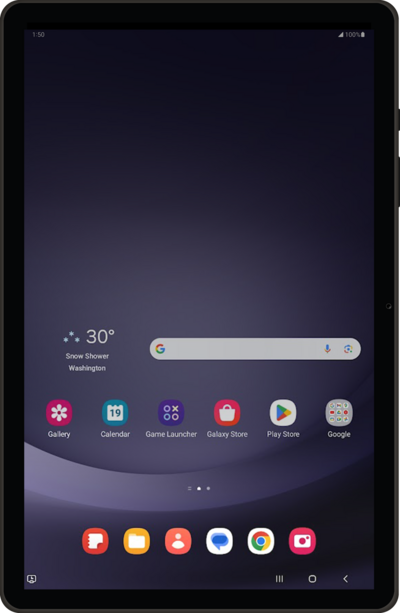
Some apps can be accessed quickly from your lock screen. You can change the apps that appear on the lock screen for quick access.
1.
From Settings, tap Wallpaper and style.
2.
Tap the Lock screen icon.
3.
Tap the Clock.
4.
Drag the clock to a new location.
5.
Drag the white corners to resize your clock.
You can also change the style of your clock, or hide it completely.
6.
Tap outside the menu to save your clock settings.
7.
Select a shortcut location.
8.
Select the lock screen shortcut you'd like to use.
9.
Tap Done to save your changes.
10.
You've completed the steps!
