Automatically activating a pre-assigned eSIM during initial setup
iPhone XS
Automatically activating a pre-assigned eSIM during initial setup
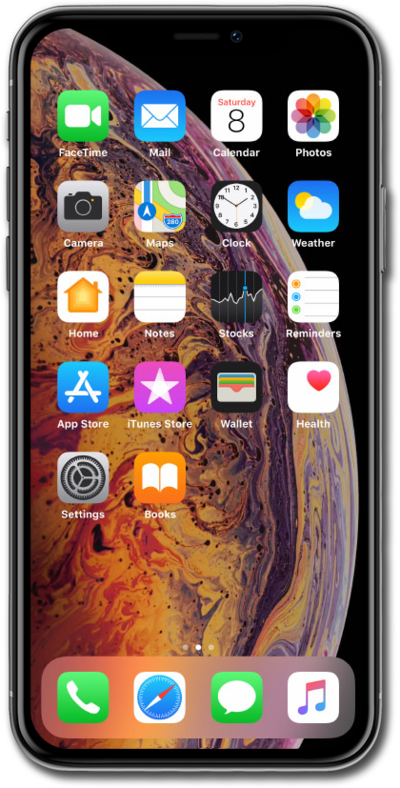
This tutorial explains how pre-assigned eSIMs are automatically activated during the initial setup of your device. Designed for users whose providers preconfigure eSIM profiles, this guide walks you through recognizing when automatic activation is available, what steps (if any) are required on your part, and how to confirm your device is connected to the mobile network.
1.
During device setup, tap to select a secured Wi-Fi network when prompted.
2.
Enter your password, then tap Join.
3.
Tap Continue to activate your eSIM.
If you didn’t see this prompt, it may be due to a missing Wi-Fi connection during setup, the device not being pre-linked to your plan, or a required software update.
4.
You've completed the steps!
