Turning Do Not Disturb on or off
Galaxy Z Fold3 5G
Turning Do Not Disturb on or off
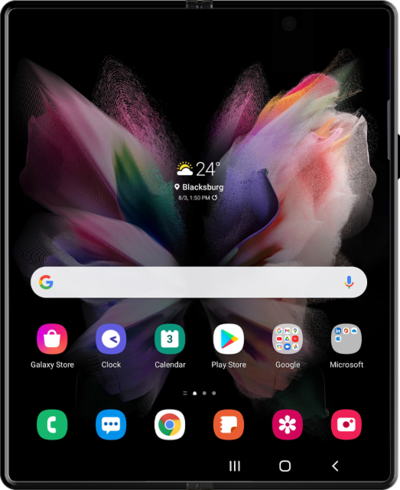
Do Not Disturb (DND) allows users to silence incoming calls and notifications temporarily, sending them directly to voicemail or marking them as missed.
1.
Swipe down from the top right of the screen to open the Quick settings menu.
2.
Swipe down to expand the Quick settings menu.
3.
Tap Do not disturb to turn it on.
4.
Tap Turn on.
5.
Swipe down from the top right of the screen to open the Quick settings menu.
6.
Swipe down to expand the Quick settings menu.
7.
Tap Do not disturb again to turn it off.
8.
You've completed the steps!
