Using the Notification panel
Galaxy S24 FE
Using the Notification panel
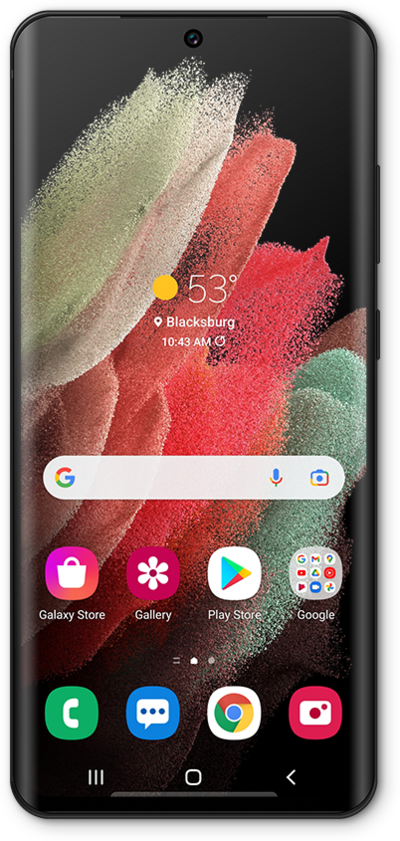
Alerts and notifications are displayed in the notification panel. Familiarize yourself with how to view and clear the notifications that you have received from your notification panel.
1.
From the Home screen, drag down the Notification panel from the left side of the screen.
2.
To dismiss notifications individually, drag a notification to the left or right.
Select a notification to view more information about it.
3.
To dismiss all notifications, tap Clear.
To close the Notification Panel, press the Home button or swipe up on the screen.
4.
You've completed the steps!
