Navigating to your Cellular Settings
Galaxy S24 FE
Navigating to your Cellular Settings
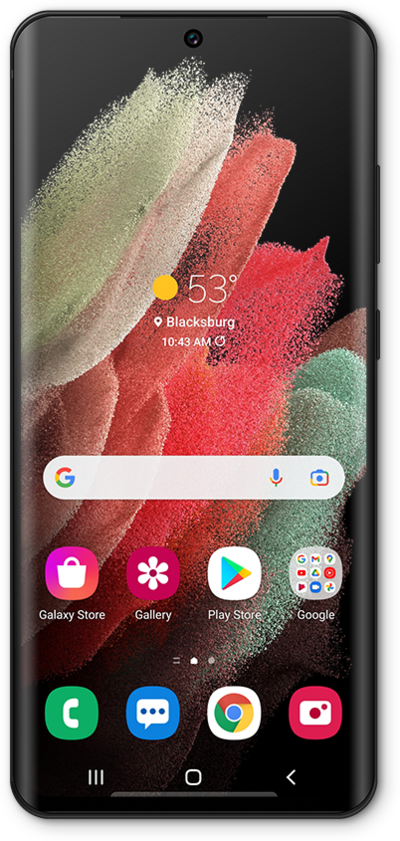
This tutorial guides you through accessing your mobile phone's Cellular Settings, where you can manage your mobile data, adjust network preferences, configure roaming, and control other essential cellular connectivity options.
1.
From the Settings app, tap Connections.
2.
To view your cellular settings, tap SIM manager.
3.
You've completed the steps!
