Transferring your eSIM and phone number after device setup
Galaxy Z Flip4 5G
Transferring your eSIM and phone number after device setup
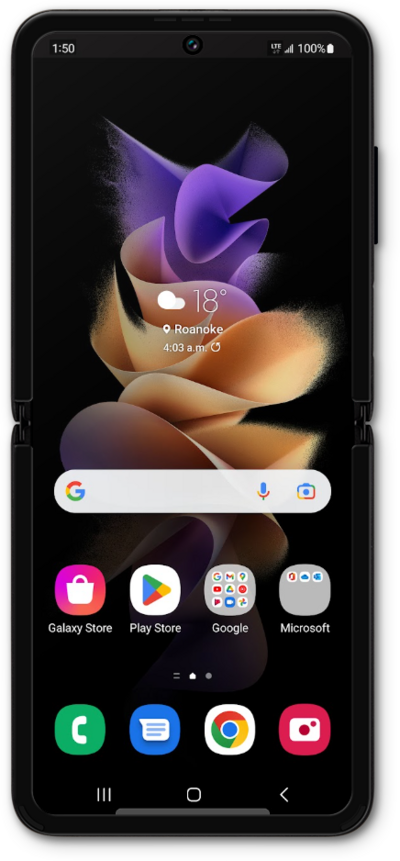
This tutorial explains how to transfer your existing eSIM and phone number from an old device to a new one after the initial setup is complete.
1.
From the Settings app, tap Connections.
2.
Tap SIM manager.
3.
Tap Add eSIM.
4.
Tap Transfer SIM from Galaxy/Android phone.
5.
On your other device follow the on-screen prompts.
Make sure to enable a secure screen lock and are on the most recently released software version.
6.
On your other device enter the Verification code.
7.
Tap Transfer.
8.
You've completed the steps!
