Changing the language
Galaxy A15 5G
Changing the language
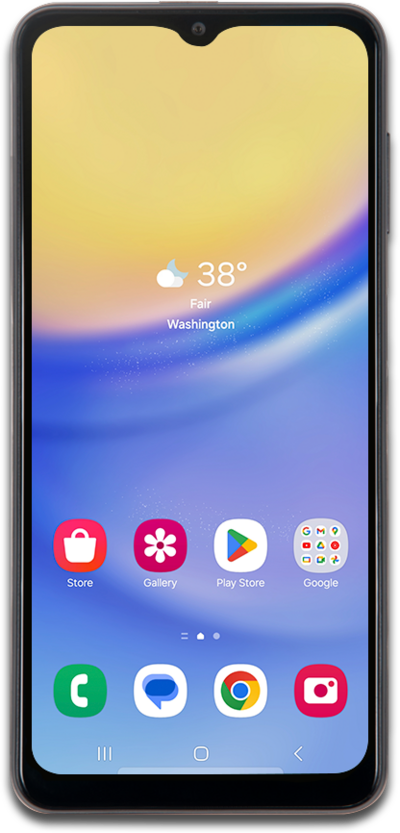
Follow these quick steps to update your default language settings.
1.
From the Settings screen, scroll to General management.
2.
Tap General management.
3.
Tap Language.
4.
Tap Add language.
5.
Select your preferred language.
6.
Tap Set as default.
Depending on your device, you can also drag your preferred language to the top of the list and tap Apply to set it as default.
7.
You've completed the steps!
