Adjusting your display size
Galaxy Flip7
Adjusting your display size
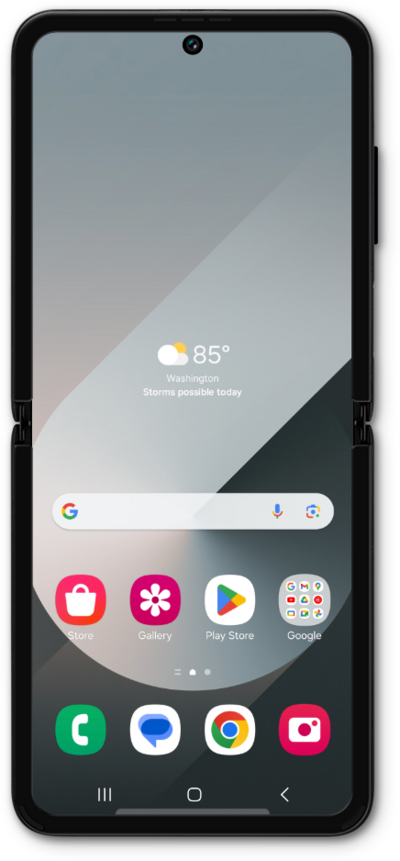
You can change the display size on your screen to be larger or smaller. The display size will change the size of everything on the screen, not just the font size.
1.
From the Settings screen, scroll to Accessibility.
2.
Tap Accessibility.
3.
Tap Vision enhancements.
4.
Scroll to Screen zoom.
5.
Tap Screen zoom.
6.
Select your preferred screen zoom.
7.
You've completed the steps!
