Turning on Highlight buttons

Galaxy A36 5G

Turning on Highlight buttons
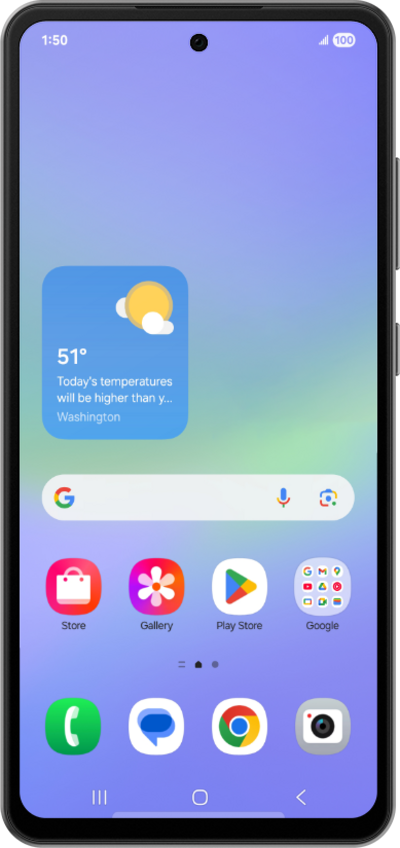
You can show the outlines of buttons on your device's screen to make them easier to locate and press.
1.

From Accessibility, tap Vision enhancements.

Next
From the Settings app, scroll to and tap Apps.

Was this guide helpful?


Related topics


Accessibility

Adjusting RTT/TTY calling settings
Adjusting your display size
Changing your Tap duration
Changing your display mode
Remove Animations
Turning on Spoken assistance accessibility options
Turning on Universal switch
Turning on and changing Color adjustment settings
Turning on and changing Flash notification settings
Turning on and changing Ignore repeated touches settings
Turning on and changing Live Caption settings
Turning on and changing your Assistant menu
Turning on and changing your Voice Access
Using Live Transcribe
Using TalkBack
Using accessibility shortcuts
Using screen magnification