Turning on and changing Color adjustment settings
Galaxy A36 5G
Turning on and changing Color adjustment settings
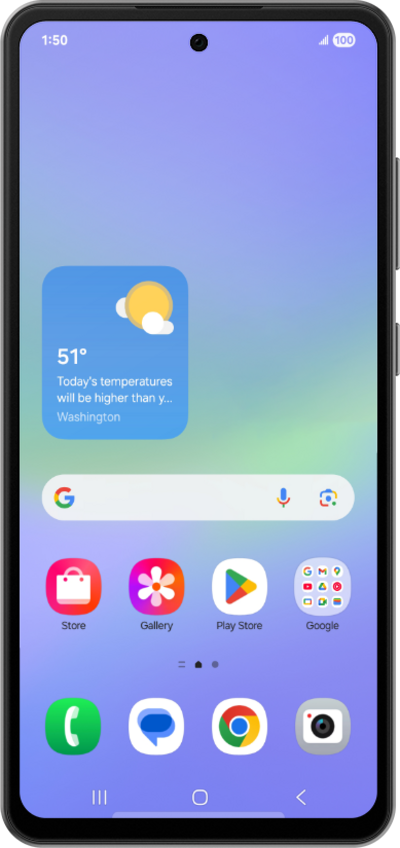
You can modify your screen's colors to make it easier to distinguish one from another.
1.
From Accessibility, tap Vision enhancements.
2.
Tap Color correction.
3.
Scroll to the color preferences.
4.
Select your preferred color adjustment.
5.
Tap or slide the Color correction switch to ON.
Turn off the Color correction switch to reset the phone to its default settings.
6.
You've completed the steps!
