Turning on and changing your Assistant menu
Galaxy Flip7
Turning on and changing your Assistant menu
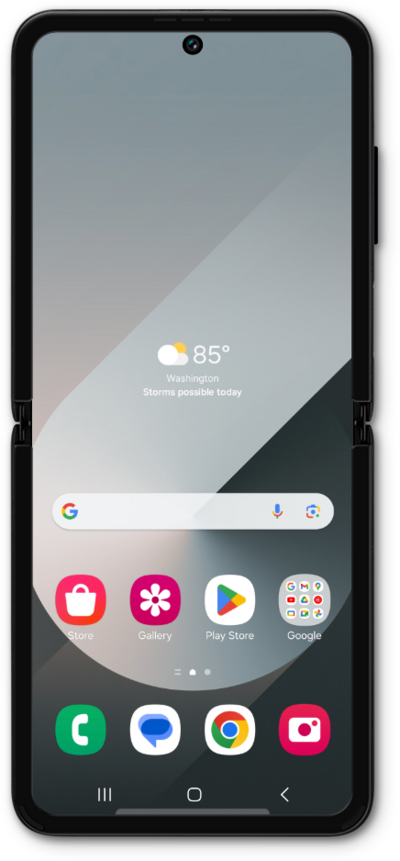
The Assistant Menu allows you access your device's hardware buttons and trigger gesture-based actions by tapping buttons on the screen.
1.
From Accessibility within the Settings app, tap Interaction and dexterity.
2.
Tap Assistant menu.
3.
Tap Select assistant menu items.
4.
Select your preferred assistant menu items.
Tapping the Minus icon on an item will remove it from your list of menu items.
5.
Tap the Back icon.
6.
Tap or slide the Assistant menu switch to ON.
7.
You've completed the steps!
