Turning on and changing your Voice Access
Galaxy S26
Turning on and changing your Voice Access
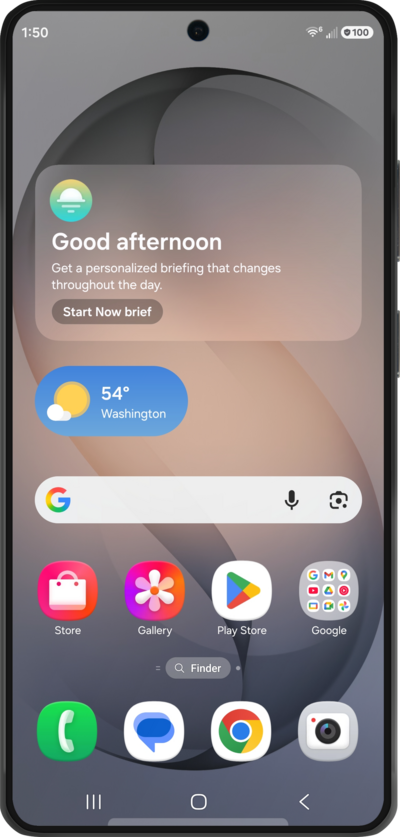
Voice Access allows you to navigate through your device, and even launch apps, by speaking to your device instead of tapping the screen.
1.
From Accessibility within the Settings app, tap Interaction and dexterity.
2.
Tap Voice Access.
3.
Tap Settings.
4.
Tap or slide the Activation button switch to ON.
5.
Tap the Back icon.
6.
Tap or slide the Voice Access switch to ON.
7.
Tap Allow.
8.
You've completed the steps!
